Limited Same-Day Appoinments 📅
Booking Request Confirmation
Your Request Has Been Received
Thank you for submitting your appointment request.
Your request is being reviewed, and you’ll receive a confirmation once the appointment time, location, and service details are verified.
Important: Your appointment is not confirmed until you receive a confirmation message.
What Happens Next
1. Request Reviewed
Your service type, location, appointment time, and any special details are reviewed.
2. Confirmation Sent
You’ll receive a confirmation message with your appointment details and anything you need to prepare.
3. Appointment Completed
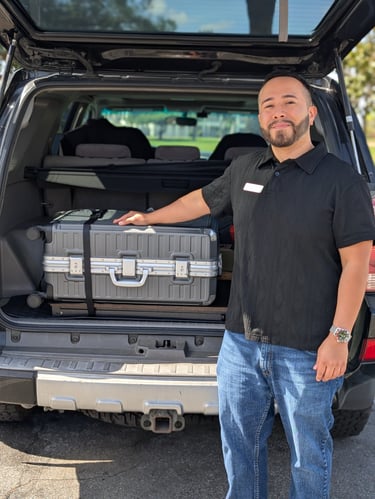
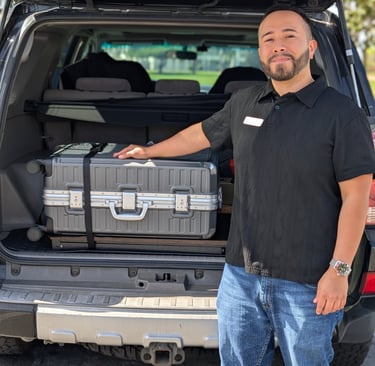
Gabriel comes to your location with the equipment and supplies needed to complete your service.
Before Your Appointment
Important Notary Notes
Please have the following ready:
All signers must be present
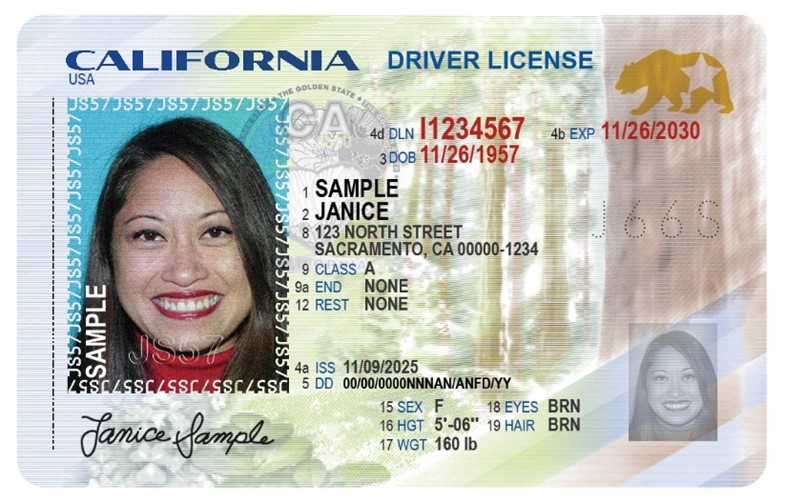
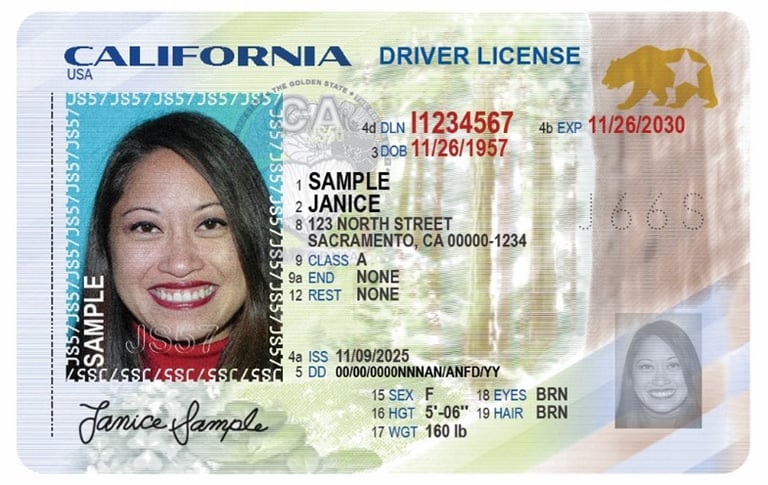
Each signer needs a valid physical government-issued photo ID (Driver's license, passport, or state ID)
Documents should be complete and ready for notarization
Witnesses may require additional time to secure availability
Note: For California notarizations, IDs can be accepted if expired within the last 5 years. Photos, screenshots, or digital IDs cannot be accepted.
What You Can Do Now
To help your appointment go smoothly:
Make sure your documents or forms are complete and ready
Send documents or forms ahead of time if you need them printed
Email documents to:
gabriel@gabrielmobilenotary.com
We'll Be In Touch Shortly
Your request is being reviewed and we’ll follow up with confirmation as soon as possible.
If you need to update your appointment request, texting is the fastest way to reach us.
Text or call:
(657)-217-3573
Booking Request Confirmation
Your Request Has Been Received
Thank you for submitting your appointment request.
Your request is being reviewed, and you’ll receive a confirmation once the appointment time, location, and service details are verified.
Important: Your appointment is not confirmed until you receive a confirmation message.
What Happens Next
1. Request Reviewed
Your service type, location, appointment time, and any special details are reviewed.
2. Confirmation Sent
You’ll receive a confirmation message with your appointment details and anything you need to prepare.
3. Appointment Completed
Gabriel comes to your location with the equipment and supplies needed to complete your service.
Before Your Appointment
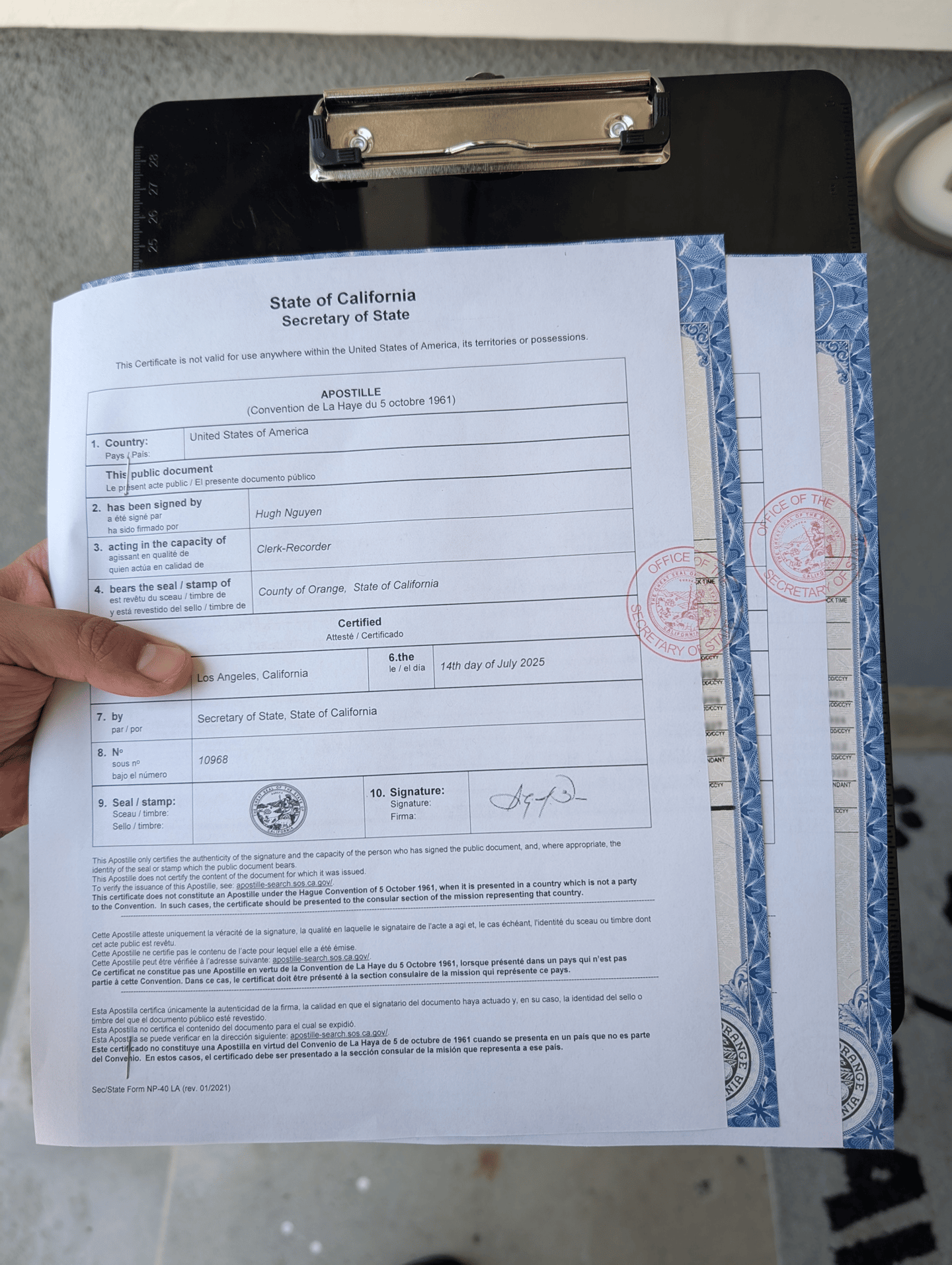
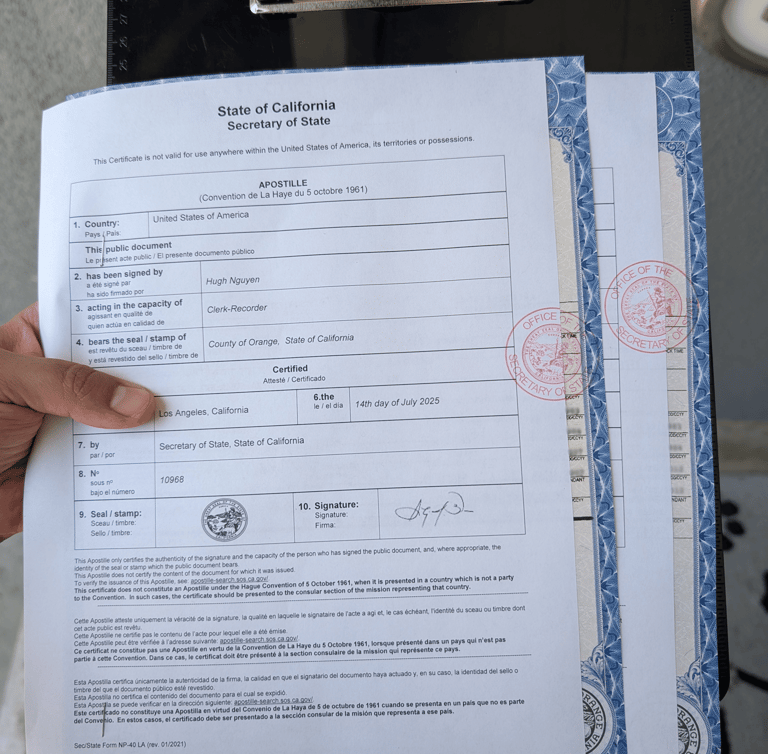
Apostille Appointment
Please have the following ready:
The original documents or certified copy needing apostille
Any instructions from the receiving party or foreign authority
Whether certified translation is needed
What You Can Do Now
To help your appointment go smoothly:
Make sure your documents or forms are complete and ready
Send documents ahead of time if you need them printed
Email documents to:
gabriel@gabrielmobilenotary.com
We'll Be In Touch Shortly
Your request is being reviewed and we’ll follow up with confirmation as soon as possible.
If you need to update your appointment request, texting is the fastest way to reach us.
Text or call:
(657)-217-3573
Important Apostille Notes
Most documents must be properly notarized before submission.
Processing times depend on California Secretary of State availability and office hours.
Certified translations follow their own timeline and are handled separately from apostille processing.
Some documents being used internationally may require certified translation for use in another country. Translation requirements depend on the destination country or receiving authority.
Payment is collected at the time your documents are picked up for processing.
ID is not required unless your document needs to be notarized first.
For more details, visit the Apostille FAQ.
Booking Request Confirmation
Your Request Has Been Received
Thank you for submitting your appointment request.
Your request is being reviewed, and you’ll receive a confirmation once the appointment time, location, and service details are verified.
Important: Your appointment is not confirmed until you receive a confirmation message.
What Happens Next
1. Request Reviewed
Your service type, location, appointment time, and any special details are reviewed.
2. Confirmation Sent
You’ll receive a confirmation message with your appointment details and anything you need to prepare.
3. Appointment Completed
Gabriel comes to your location with the equipment and supplies needed to complete your service.
Before Your Appointment
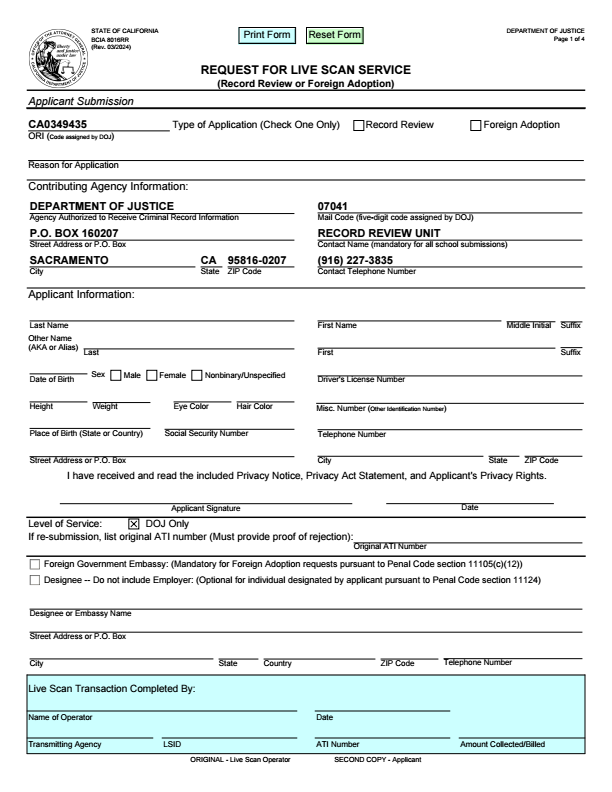
Live Scan Appointment
Please have the following ready:
A completed Live Scan form from your requesting agency
A valid, unexpired physical government-issued photo ID
What You Can Do Now
To help your appointment go smoothly:
Make sure your forms are complete and ready
Send forms ahead of time if you need them printed
Email documents to:
gabriel@gabrielmobilenotary.com
We'll Be In Touch Shortly
Your request is being reviewed and we’ll follow up with confirmation as soon as possible.
If you need to update your appointment request, texting is the fastest way to reach us.
Text or call:
(657)-217-3573
Important Live Scan Notes
Live Scan fingerprinting cannot be completed without valid ID or a live scan form.
Your requesting agency must provide the Live Scan form.
The form must include the correct ORI number and reason for application.
The best primary ID option is an unexpired driver’s license or state ID.
If you do not have a primary ID, bring one accepted secondary ID plus two supporting documents.
Government processing fees vary and are set by the California Department of Justice and are standard across all Live Scan providers.
For full ID details, visit Live Scan ID Guide.
Gabriel Mobile Notary
📞 Phone: 657-217-3573
📧 Email: gabriel@gabrielmobilenotary.com
🌐 Website: https://gabrielmobilenotary.com/